Last updated 17 November 2026
Jane O'Leary's work is about making workplaces fair and inclusive, and this website tries to reflect that. This statement explains what we've done and how to let us know if something doesn't work for you.
Our approach
We've used the Web Content Accessibility Guidelines (WCAG) 2.2, Level AA as our guide. These are the guidelines most commonly used in Australia. This is a small personal website, and the checks described below are our own. If you find something that gets in your way, we'd genuinely like to hear about it so we can fix it.
Accessible view
The switch labelled "Accessible view" in the menu bar changes the page to a plainer layout:
- Higher-contrast colours and heavier headings.
- Larger text, with three sizes (the A+ button cycles through them).
- Wider line spacing.
- All animation turned off, including the moving arrowheads, the logo strip, the report carousel and the fade-ins. The logo strip becomes a static grid.
- A stronger black and amber keyboard focus outline.
Your choice is remembered on your device. If your device is set to request more contrast, Accessible view starts switched on. If your device is set to reduce motion, animation is off whether or not Accessible view is on.
What we have done
- Keyboard use. Everything can be used without a mouse. A "Skip to main content" link is the first thing you reach by keyboard. Every focusable item has a clearly visible focus outline, and none is hidden behind the menu bar. We checked every tab stop on the page. When you open the privacy policy, terms or this statement from the footer, keyboard focus moves into the panel that opens, and the Close button returns you to where you were.
- Structure. The page has a descriptive title, a declared language (Australian English), landmark regions, and headings in logical order, so screen reader users can move around by heading or region.
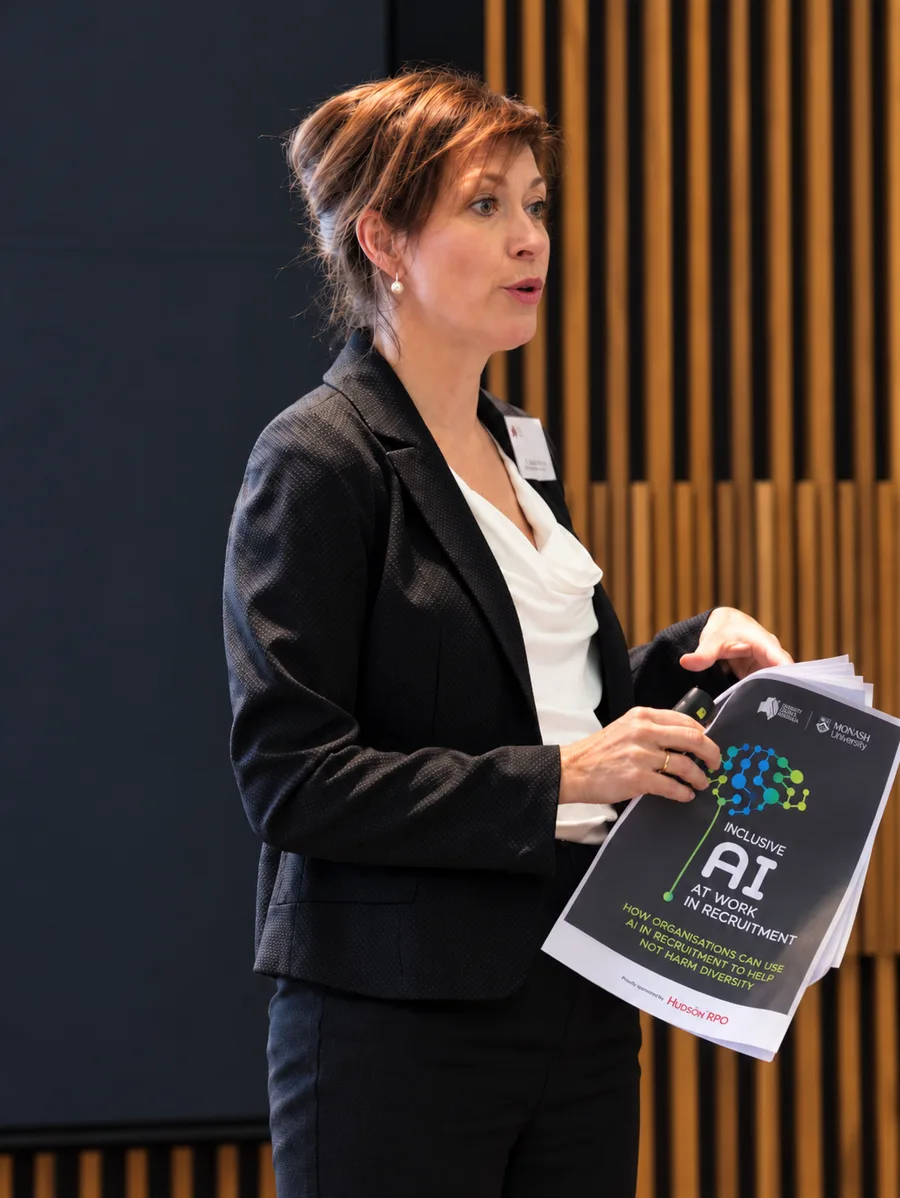
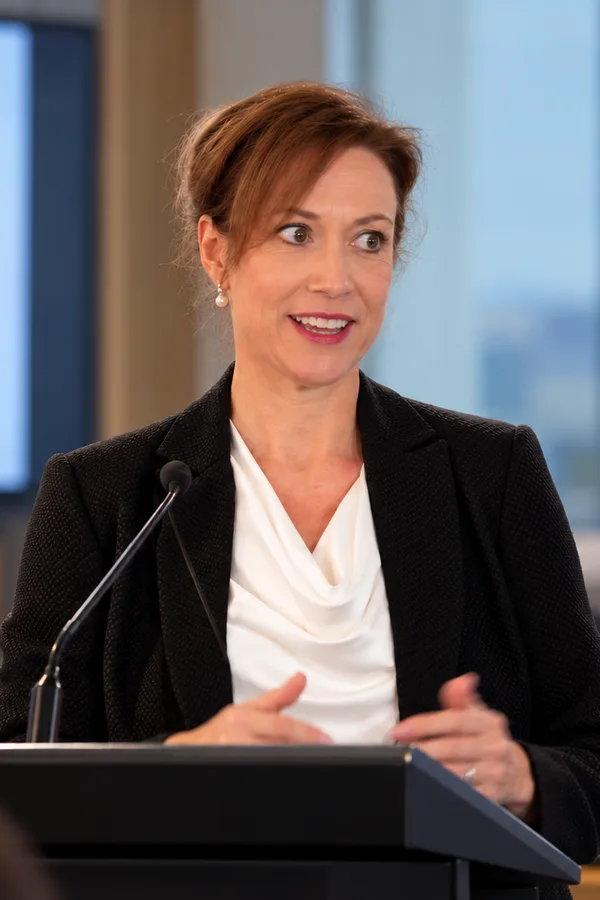
- Images. Photos have text descriptions. Decorative graphics are hidden from screen readers.
- Colour contrast. Text and interactive elements were checked against the WCAG AA minimums (4.5:1 for normal text) in both the standard and Accessible views. No failures were found. Information is not given by colour alone.
- Links and buttons. Links describe where they go. Where several links share the same visible wording, such as "Access the report", screen readers also hear the name of the report or article. Links that open in a new tab say so. Tap and click targets are at least 24 by 24 pixels.
- Forms. The publication search box has a label and a clearly visible border, and the number of results is announced to screen reader users as you type.
- Zoom and small screens. The layout reflows without sideways scrolling at 320 pixels wide (equivalent to 400% zoom). With text enlarged to 200% or with increased letter and line spacing, nothing is cut off and the menu bar wraps so every control stays reachable.
- Moving content. The animated arrowheads in the opening and contact sections, and the partner-logo strip, move only briefly and come to rest by themselves within five seconds. The report carousel has a pause button, and it also pauses when you hover over it, focus it or look at another part of the page. In Accessible view, or with your device's reduce-motion setting, nothing moves at all. Nothing on the site flashes.
Known limitations
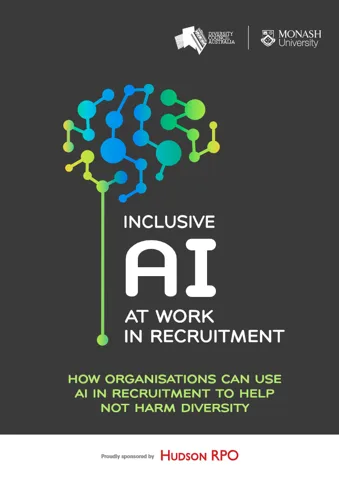
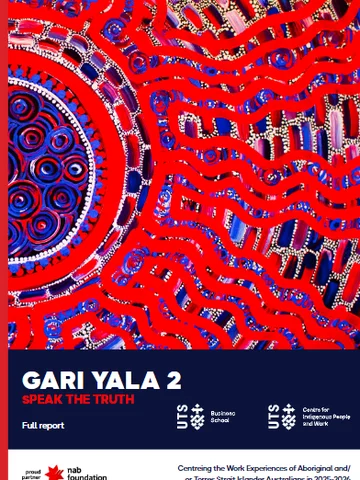
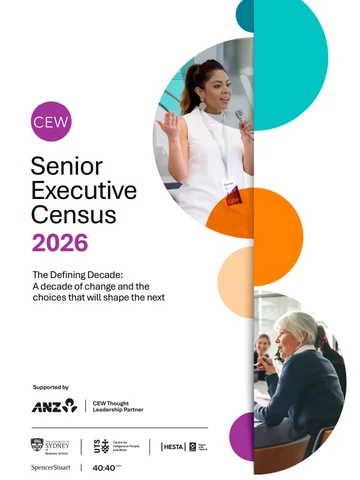
- Reports and PDFs. The research reports linked from this site are published by other organisations, including UTS, Diversity Council Australia and CEW. We don't control their accessibility. Some are members-only.
- Testing. We have not yet completed testing with screen readers such as NVDA, JAWS or VoiceOver, with speech-recognition software, or on a range of real phones and tablets. Some issues may remain that our automated and manual checks missed.
- Third parties. Fonts are served by Google Fonts. If they fail to load, the page falls back to your browser's default fonts, which stays readable.
Tell us about a problem
If something on this site is hard to use, or you need information in another format, please email janecsoleary@gmail.com. Tell us the page, what you were trying to do, and the device, browser or assistive technology you were using if you can. We aim to reply within five business days and to fix problems as quickly as we reasonably can.
How this statement was prepared
It was written on 17 November 2026, after a review of the site against each WCAG 2.2 Level AA success criterion. The review covered structure, text alternatives, colour and non-text contrast, keyboard use and focus, zoom, reflow and text spacing, moving content, target sizes, link names and status messages. Issues found in that review were fixed before this update. We will review it again whenever the site changes significantly, and after any independent audit.